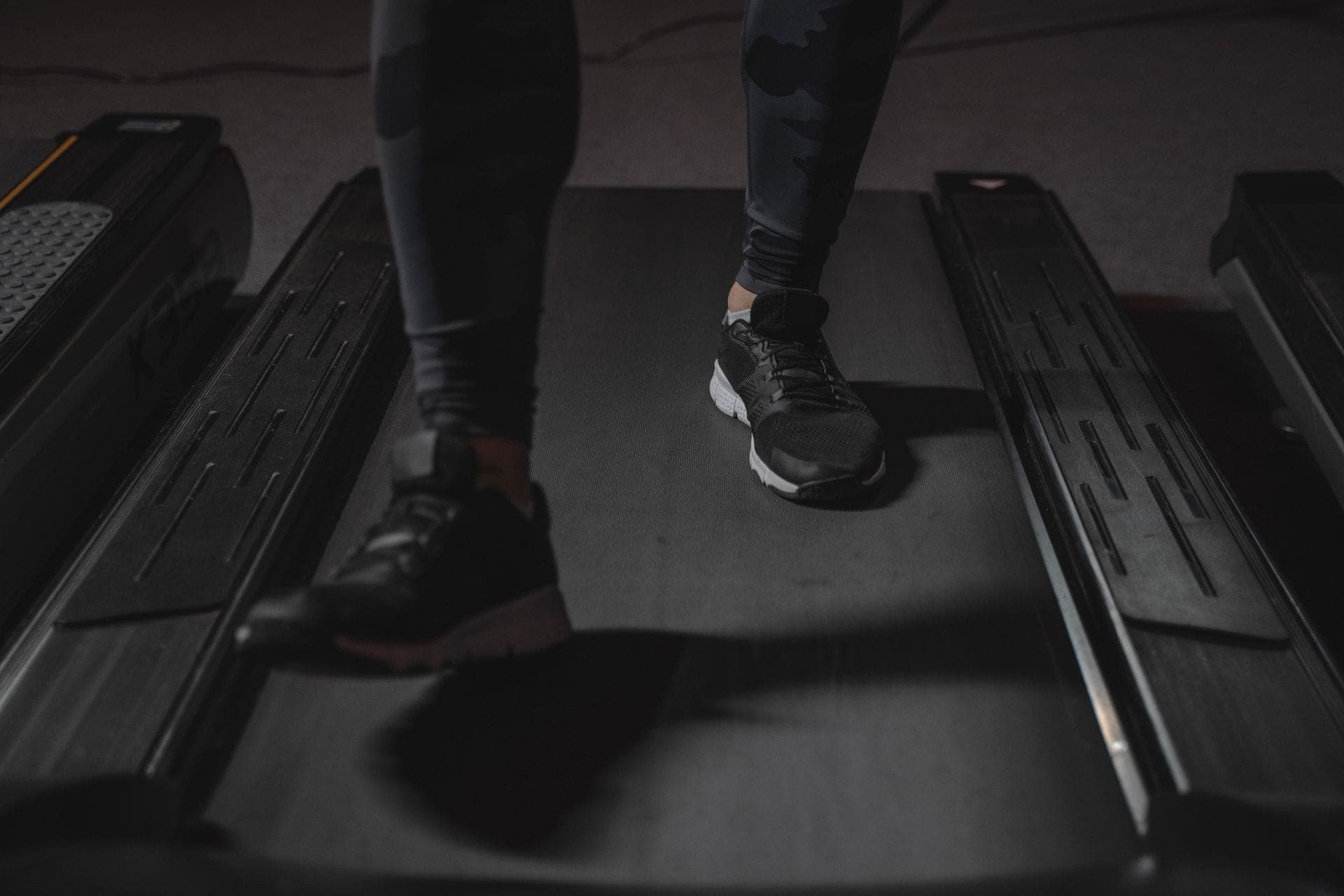
Walking pads went from novelty to office furniture fast. They now account for the overwhelming majority of treadmills sold at some large retailers, with demand tripling year over year, and treadmill desk users reportedly log a couple of thousand extra steps a day compared with people who stay seated.
Which raises an immediately practical question, and the one people actually search for: do those steps show up anywhere?
The answer is yes — but only if something that counts steps is actually on your body while you walk. And the most common desk setup is precisely the one that records nothing at all.
Quick Answer: Will Your Walking Pad Steps Be Counted?
- Phone in your pocket: yes. Step counting is motion-based, not GPS-based, so a treadmill works fine. Your phone cannot tell the difference between a pad and a pavement.
- Phone on the desk: no. This is the most common setup and it records nothing. The pad moves; the phone does not.
- Apple Watch while typing: partially. The wrist reads arm motion. Hands resting on a desk or gripping handlebars means steps get missed.
- Best setup: phone in a pocket (or an armband), or a Watch with your arms swinging naturally.
- The pad's own display will disagree with your phone, and that is normal — they are counting different things in different ways.
Table of contents
- Why this is even a question
- The three common setups, and what each records
- The best setup for accurate counting
- Why the pad's display and your phone disagree
- Will my phone and watch double count?
- Do walking pad steps "count" for your health?
- Making a walking pad actually work at a desk
- Watching the count while you walk
- Frequently asked questions
- Key takeaways
Why this is even a question
It helps to know how a step gets counted in the first place.
Your iPhone counts steps with a low-power motion coprocessor that reads accelerometer data, looking for the rhythmic acceleration pattern that walking produces. An Apple Watch does the same from your wrist, reading arm motion. Neither uses GPS, and neither has any notion of distance travelled through space.
That is good news for treadmill users: because nothing is checking whether you moved across the ground, walking on the spot counts exactly like walking anywhere else. The sensor sees the same gait pattern either way.
The catch is the other half of the sentence. The sensor only sees a pattern if it is physically on you while you walk. A phone on a desk six inches from a moving treadmill belt is a stationary object, and it records a stationary person.
That is the whole explanation. Everything below follows from it.
The three common setups, and what each records
| Setup | What gets counted | Why |
|---|---|---|
| Phone in your pocket, walking | All of it — accurate, same as outdoor walking | The phone moves with your body and sees the normal gait pattern |
| Phone on the desk, walking | Nothing | The phone is still. No motion, no steps. The most common walking pad setup and the biggest source of "my steps did not count" |
| Apple Watch, arms swinging | All of it | The wrist sees normal arm motion, which the Watch reads as walking |
| Apple Watch, hands on desk or typing | Partial, often badly undercounted | Your arm is nearly stationary. The walking is in your legs, which the Watch cannot see |
| Apple Watch, gripping handlebars | Partial | Same problem — a fixed arm hides the gait from a wrist sensor |
The third and fourth rows are the ones that surprise people. A Watch is excellent at capturing walks your phone missed, but a treadmill desk is the specific scenario that defeats a wrist sensor: your legs are doing all the work while your arms are held still over a keyboard.
So the default home-office setup — phone charging on the desk, hands typing, Watch on the wrist — manages to defeat both devices at once.
The best setup for accurate counting
In order of how well they work:
- Phone in a trouser pocket. The simplest fix and the most accurate for this scenario. The phone moves with your hips, which is precisely what the pattern matching expects.
- Phone in an armband or a running belt. Useful if your desk clothes have no pockets, which is a real and underrated obstacle.
- Apple Watch with free arms. If you use the pad for calls, reading, or watching something rather than typing, your arms swing naturally and the Watch counts well.
- Watch plus typing. Expect an undercount. It is better than nothing, and the walking is still doing you good — it just will not show up fully in the number.
A practical compromise for a typing session: keep the phone in your pocket and wear the Watch. Apple Health will reconcile them, and the pocket phone covers what the still arm hides.
Why the pad's display and your phone disagree
Your walking pad shows a step count too, and it will not match. Both can be reasonable at once.
- Different sensors. The pad infers steps from belt movement and speed; your phone infers them from your body's motion. These are genuinely different measurements.
- Different stride assumptions. Distance figures depend on stride length. The pad uses a default; your phone uses what it has learned from your walking. Neither is measuring your stride directly.
- Different start and stop points. The pad counts from when the belt starts; your phone counts you walking to the kitchen and back too.
If you want one number to track, pick the phone's — not because the pad is wrong, but because your phone is the device that measures your whole day rather than one session, which is the number worth comparing week to week.
Will my phone and watch double count?
No. Apple Health de-duplicates overlapping data rather than adding it up. If your phone is in your pocket and your Watch is on your wrist for the same half hour on the pad, Health merges the two into one total rather than reporting twice the steps.
That is why wearing both is a safe strategy rather than an inflationary one. The full mechanism, including which source wins and why totals can be recalculated later, is in how your iPhone and Apple Watch count and sync steps.
Do walking pad steps "count" for your health?
They are real steps, taken at real cadence, so they count in the ways that matter most for a desk worker.
Two honest qualifications:
- The intensity is low. Typing while walking usually means something like 1.5–2.5 km/h, well below a brisk walk. That is fine — the benefit here is replacing stillness, not training fitness. If you want intensity you need a faster, dedicated walk, which is the case for something like interval walking.
- It does not replace getting away from the desk. Light walking breaks have been shown to lower post-meal glucose and insulin substantially more than standing does, and a pad delivers exactly that kind of light, frequent movement — but a change of scene, posture, and screen distance has value a pad cannot provide.
What a walking pad does unusually well is fix the specific problem described in ergonomic chairs, standing desks, and wrist rests: a comfortable chair removes the discomfort that used to make you stand up. A pad removes the sitting instead of making it more pleasant.
Making a walking pad actually work at a desk
From the pattern of what people actually sustain:
- Walk during input-light work. Calls, reading, reviewing, listening. Typing and precision mouse work are where walking falls apart.
- Start at 1.5–2 km/h. Most people's first instinct is too fast, which makes typing impossible and the whole thing feel like a stunt.
- Use sessions, not all day. Two or three 30–45 minute blocks are far more sustainable than an eight-hour ambition, and they add up to thousands of steps.
- Raise your desk slightly higher than your standing height. The belt adds a couple of centimetres and the bounce changes your reach.
- Keep your phone on you. Otherwise none of it shows up — see above.
- Pair it with a real walk. Pad steps are flat, climate-controlled, and low-intensity. They are a supplement to going outside, not a replacement for it.
Watching the count while you walk
One quirk worth knowing if you check your count during a pad session: it will look behind.
Apple Health shares step updates with apps only about once an hour, so a widget mid-session is showing you a number from before you started. The steps are being recorded — they simply have not been handed over yet.
Steps Widget has two ways around that, and a walking pad is one of the clearest cases for using them. Motion Sensor reads the iPhone's pedometer directly for the stretch Health has not caught up on, so the number moves while you walk. Tapping the live count starts a Live Activity, which puts a count on your Lock Screen and in the Dynamic Island that updates in real time — useful when you want to see what a 40-minute session is actually worth. Both are covered in Motion Sensor.
The wider point is the one worth keeping: a pad session typically adds 2,000–4,000 steps, which is enough to change where your whole day lands. If your step app forecasts your end-of-day total, a mid-morning session is the kind of thing that turns a day projected to fall short into one that does not.
Frequently asked questions
Do walking pad steps count on iPhone? Yes, as long as the phone is on you. Step counting is motion-based rather than GPS-based, so walking on the spot registers normally. A phone left on the desk counts nothing.
Does an Apple Watch count treadmill desk steps? Partially. The Watch reads arm motion, so if your hands are resting on a desk, typing, or holding handlebars, it will undercount. With your arms swinging naturally it counts accurately.
Why does my walking pad show more steps than my phone? Different sensors and different assumptions — the pad infers steps from belt movement, while your phone reads your body's motion. Neither is necessarily wrong. Track your phone's number for consistency.
Will wearing a Watch and carrying my phone double my step count? No. Apple Health de-duplicates overlapping data from multiple devices and reports one merged total.
How many steps does an hour on a walking pad add? Roughly 3,000–4,000 at a typing-friendly 1.5–2.5 km/h, depending on your pace and stride.
Why has my count not moved while I am walking on the pad? Apple Health passes updates to apps roughly once an hour, so widgets lag during a session. Turning on Motion Sensor, or starting a Live Activity, shows the count moving in real time.
Are walking pad steps as good as outdoor steps? For breaking up sitting, essentially yes — they are real steps at real cadence. They tend to be lower intensity, and they lack the daylight and change of scene that make an outdoor walk worth keeping as well.
Key takeaways
| Question | The short answer |
|---|---|
| Do pad steps count? | Yes — if a device is on your body while you walk |
| What is the usual mistake? | Phone on the desk, which records nothing |
| Does a Watch handle it? | Only with free arms; typing hides your gait from the wrist |
| Best setup? | Phone in a pocket, optionally plus the Watch |
| Will two devices double count? | No — Apple Health merges and de-duplicates |
| Why is the count lagging mid-session? | Health updates apps hourly; Motion Sensor or a Live Activity shows it live |
Related reading: how your iPhone and Apple Watch count and sync steps for the full pipeline, ergonomic chairs, standing desks, and wrist rests for what desk gear can and cannot fix, and Japanese walking for the intensity a pad session deliberately leaves out.
Recommended posts
Try Steps Widget
Keep your daily steps visible on iPhone, Lock Screen, Home Screen, and Apple Watch with a private Apple Health step counter widget.